
Bellissimo Pizza is a pizzeria chain with its own app, which makes it a different proposition from an aggregator like Yandex Eats. An aggregator has dozens of restaurants and spreads discounts across them; here there is one kitchen and its own terms. The rules are simpler as a result, and stricter.
There are currently 2 active offers on the Bellissimo Pizza page.
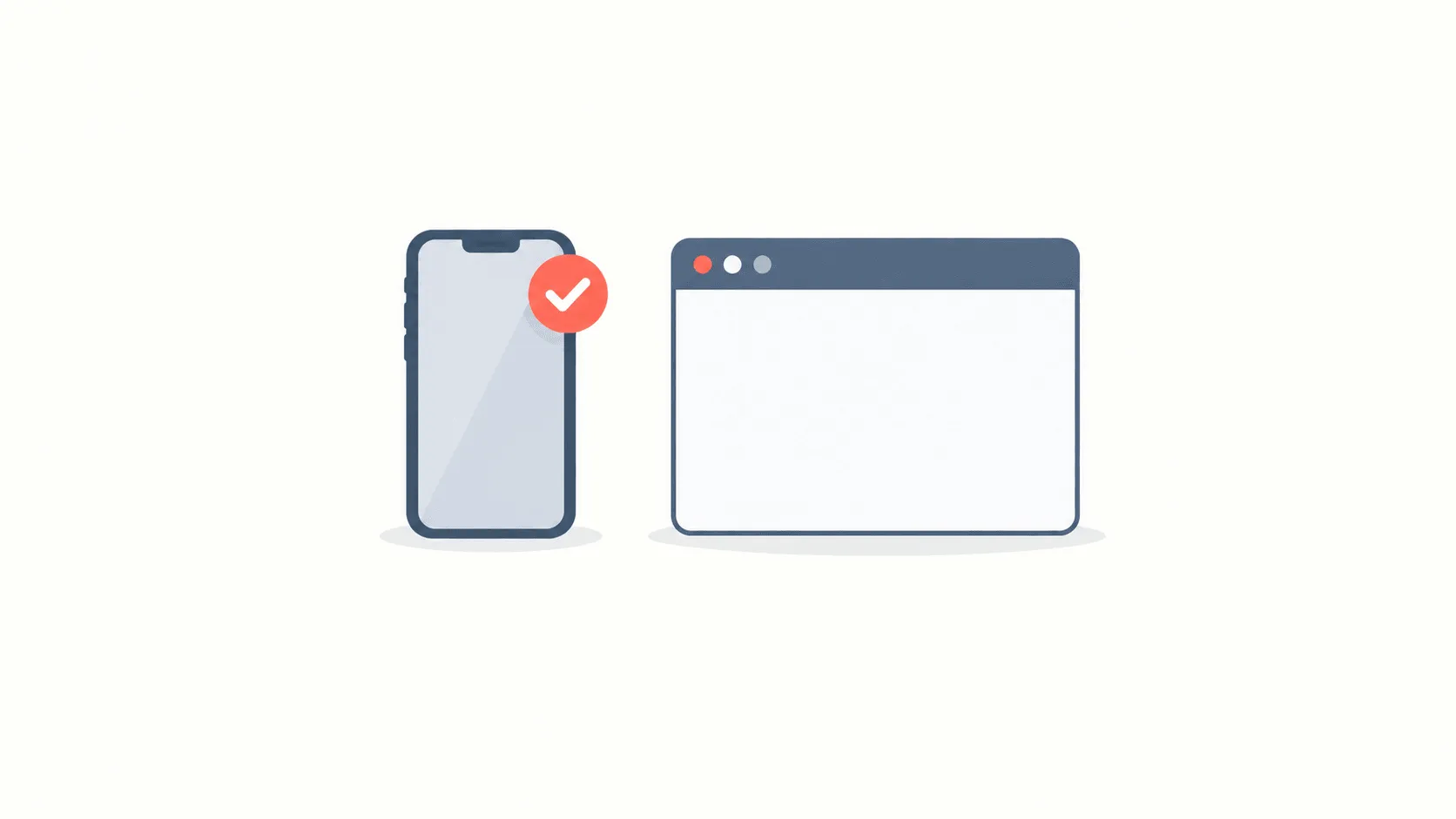
The app and the website are not the same
This is where most of the time goes. A chain's own promotions are almost always announced in the app and do not work on the website. The reason is commercial: someone who installs the app receives notifications and comes back, while someone who orders through the site is gone.
In practice that means a missing promocode field on the website does not indicate a broken code — it simply works somewhere else. Repeat the same order in the app.
How to enter a promocode
- Install the app and set an address. The delivery zone is determined by the address, and an offer can be tied to it.
- Build the basket first. Enter the code after the basket, not before: the minimum-spend condition is measured against it.
- Open the code field at the payment step. It sits next to the running total and is collapsed in some versions.
- Check the total before confirming. The discount should appear as its own line; no line means the code did not apply.
Conditions to check
- Minimum order value. Counted on the food alone; the delivery fee does not go towards it.
- First order. Many offers are for new customers only and tied to a phone number.
- Delivery zone. It works where the chain has branches; outside the zone an order is not accepted at all.
- App only. As above — it may not apply on the website.
- Items already discounted. A code rarely stacks on top of a reduced price.
Why the code did not work
- The basket is under the threshold. The most common cause. A drink or a side usually settles it, but compare its price with the discount first.
- The order is being placed on the website. Repeat it in the app.
- The account has ordered before. The first-order condition is tied to the number.
- A discounted item is already in the basket. One discount per order.
Pickup and delivery
Most chains offer two options: courier delivery and collection. They differ in price and in which promotions apply. Collection carries no delivery fee, so the total is automatically lower; but some promocodes are attached to delivery specifically.
So the order of operations is: choose the method first, then enter the code. Changing the method after a code is applied forces a recalculation, and the discount can fall off.
Why a chain prefers its own app
Answering this explains the discounts too. On an order through an aggregator the restaurant pays commission and never learns who its customer is. On an order from its own app there is no commission and the relationship stays.
So the best terms are almost always in the chain's own app: the first-order discount, the loyalty programme, and promotions that exist nowhere else. An aggregator offers more choice and smaller discounts.
The practical conclusion: if you order from one chain regularly, its app is worth installing. For a one-off order an aggregator is more convenient.
Saving without a code
A chain's own promotions work without a code and frequently give more: combo deals, discounts on particular days, and the app's loyalty programme. They are marked directly in the listing.
These rarely stack with a promocode — the app picks one. On a large order a combo can beat a fixed-amount code, so work out both before confirming.
On the Bellissimo Pizza page at PromoBozor every offer shows its conditions and the date it was last checked, so you can tell in advance whether a code fits your order.