
A promocode is a short string from a seller: you type it into a dedicated field at checkout and the order total drops. Finding one is the easy part. The hard part is the payment screen, where the code is refused and nothing explains why. The reason is usually not the code itself — it is the conditions attached to it.
Four steps
- Copy the code whole. Do not retype it. Capitals, hyphens and digits have to match exactly, and a single trailing space is enough to invalidate it. On a phone, word-boundary selection often clips part of a code, so check the length after pasting.
- Fit the basket to the conditions. Most offers carry a minimum order value. Below it the code simply does not apply, usually with no error message at all, which makes a perfectly good code look broken.
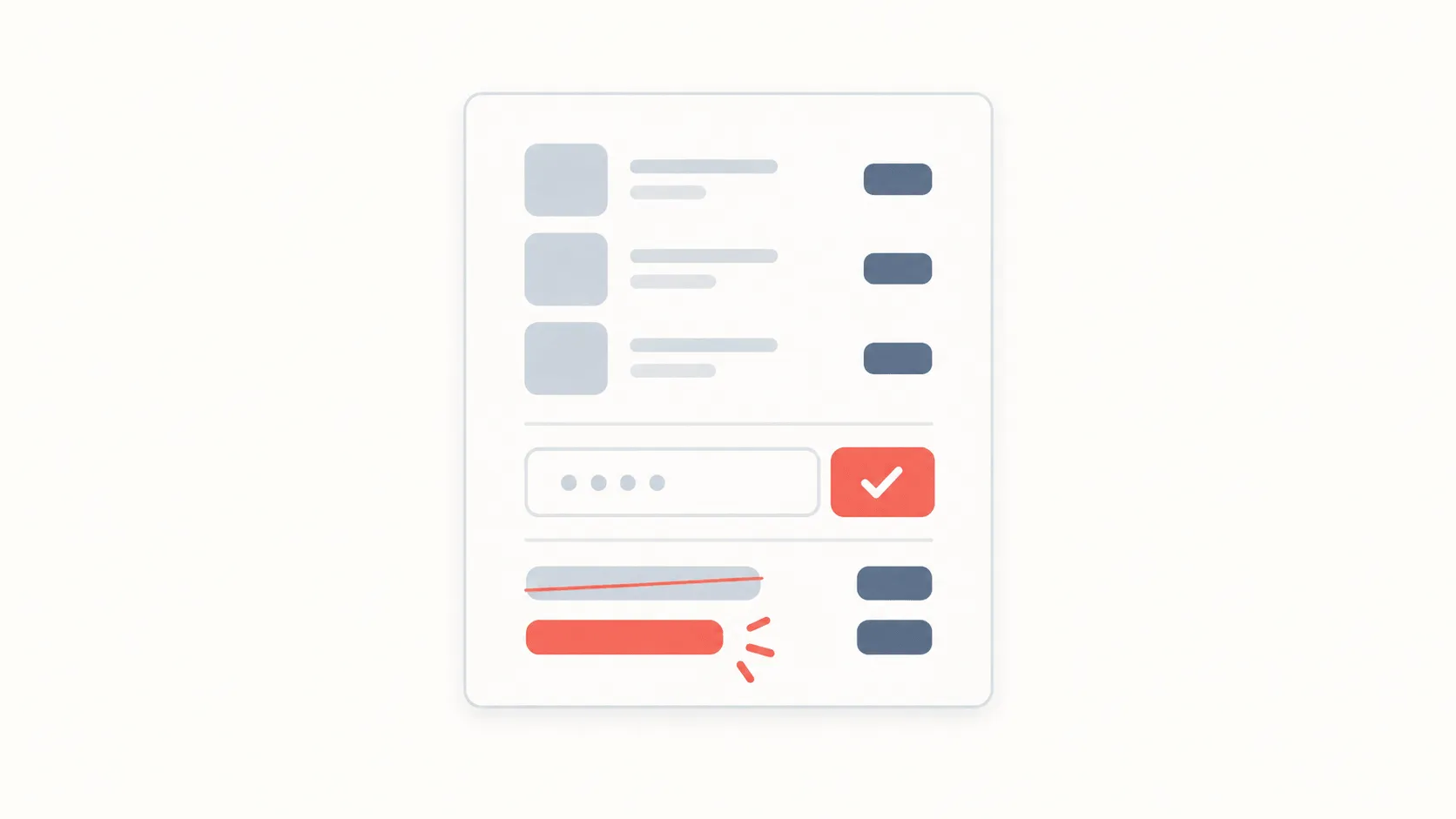
- Find the right field. It normally appears after you pick a payment method, under the running total, labelled "Promocode", "Discount code" or "Coupon". Some apps keep it inside a collapsed section, so open the small links next to the total.
- Check the total before confirming. An accepted code changes the total immediately. If the number has not moved, the code did not apply, and confirming now means paying full price.
Conditions worth reading first
Every offer has limits, and they are published alongside the code. Four of them account for most refusals:
- Minimum spend. Measured on the goods in the basket. Delivery fees do not count towards it, which is why "it clears the minimum with delivery" is usually wrong.
- Who it is for. Many codes work on a first order only. The app recognises you by phone number or device, so a fresh account does not get around it and can get the account suspended.
- Where it works. Some offers run in the app but not on the website. Others are limited to particular cities or delivery zones.
- How long it lasts. An expired code can stay visible in an app, or in an old article, long after it stopped working.
Why it did not work
When a code is refused, the cause is almost always one of these four.
- The basket is short. The most common cause by a wide margin. Add one item and try again.
- It is not a first order. If you have ordered in this app before, a first-order code will not pass.
- Another promotion is already applied. Most apps allow one discount per order, and an automatic promotion blocks the code.
- It has expired. An expired code cannot be salvaged; you need a current one.
Where codes come from
There are three sources worth using. The seller itself — in-app notifications, email, and official Telegram channels. Partner links, which often need no code at all and work on the click. And curated lists such as PromoBozor.
One question is enough to judge a source: when was this offer last checked? A list with no dates keeps expired codes for years, because nobody has a reason to remove them. On PromoBozor every offer shows its conditions and the date it was last verified.
Cashback, subscriptions and codes
A promocode is not the only way to save, and often not the largest. Cashback returns part of the amount after the purchase; a subscription makes delivery free or applies a standing discount. The three rarely combine — the app picks one.
So before a large order, work out both. Percentage cashback usually beats a fixed-amount code on a big basket, and loses to it on a small one.
If there is no code, that is fine: not every order has one behind it. The service's own promotions — a first-order discount, or cashback — work without a code, and are frequently enough on their own.