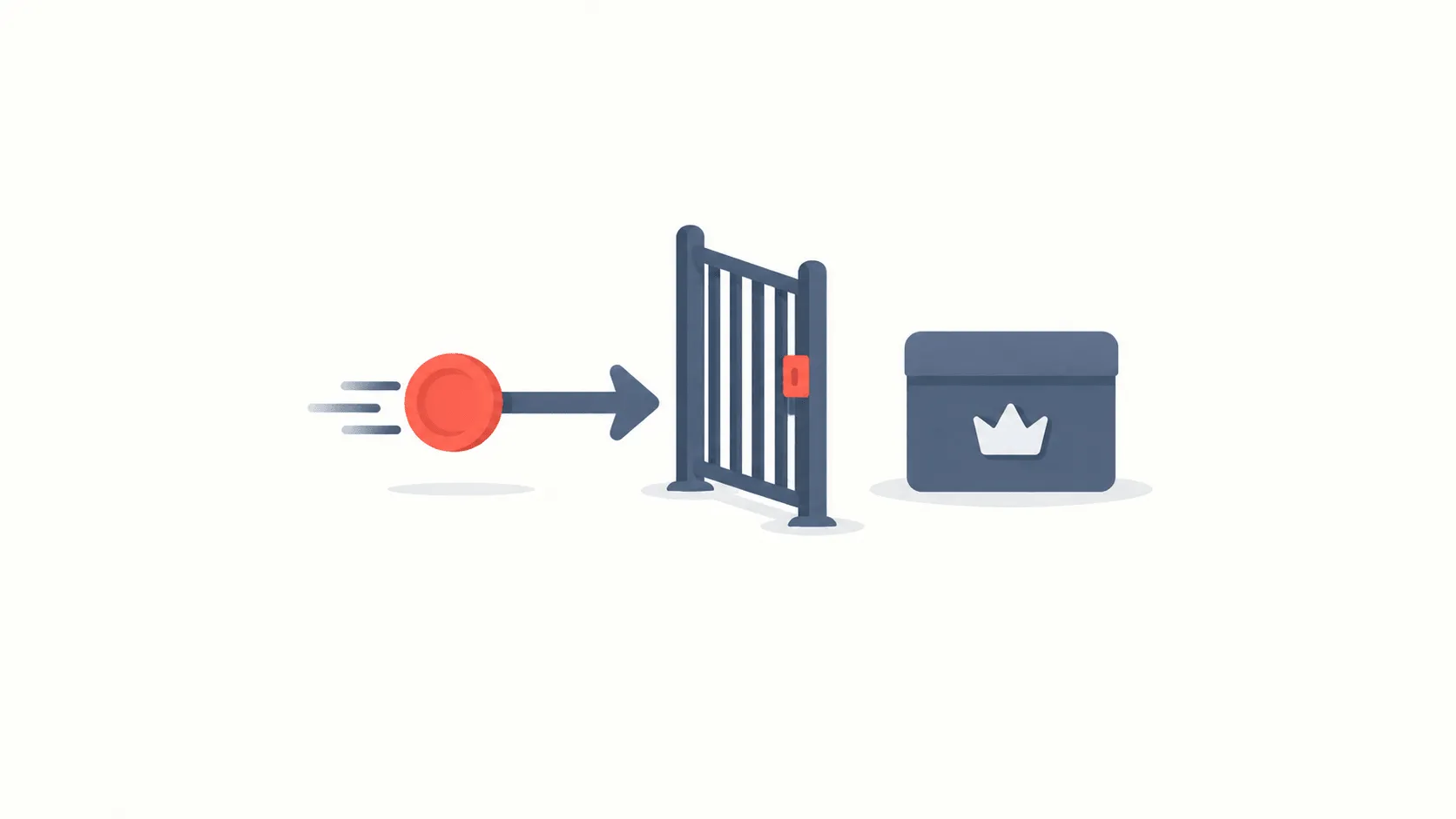
Mutolaa is a reading app, and the discount on its Premium subscription often appears not to work for one reason. It is not the code and not the app: it is who takes the payment. Without knowing that, people enter the code again and again and are refused every time.
There is currently 1 active offer on the Mutolaa page.
Why the code is refused
A subscription in a mobile app can be paid for two ways, and they work entirely differently.
- Through the app store. The App Store or Google Play takes the payment. The money goes to the store, which passes on its share. In this case the service's own promocode does not work, because the store sets the price and never sees your code.
- Directly. The service takes the payment itself, usually through an account area on its website. This is where a promocode applies.
So the first check is simple: where are you subscribing from? If the button in the app opens an app-store sheet, there is no field for a code in it.
How to apply the discount
- Sign in on the service's website. With the same account as the app — phone number or email.
- Open the subscription section and pick a plan. Discounts are often tied to one term.
- Find the promocode field. It is at the payment step, next to the total.
- Pay and return to the app. The subscription attaches to the account, so it activates in the app on its own — no reinstall needed.
What to check first
- How many times the discount applies. Most codes cover the first payment only; later periods bill at full price.
- The term. Monthly and annual are priced differently, and a discount may be tied to one of them.
- New-customer condition. Many codes will not apply to an account that has had Premium before.
- Automatic renewal. The subscription continues by itself; if the discount covered the first period, the second bills in full.
If you already subscribed through the store
This happens often: someone subscribes in the app first and finds the discount afterwards. To use the code you would cancel the existing subscription in the store's settings, wait for the paid period to end, and then subscribe directly.
Whether that is worth doing depends on the size of the discount. For a saving smaller than one month's price the effort does not pay off. A discount on an annual plan usually does.
One detail matters: cancelling does not switch the subscription off immediately. Premium runs to the end of the paid period, so cancelling costs you nothing.
Are the two prices the same
Often not, and that affects the decision too. App stores take a share from the service, so some services set a slightly higher price inside the store. A direct payment reaches the service in full, and the price there can be lower.
So paying directly can be cheaper even without a promocode. Comparing the two prices takes a minute and only needs doing once, before you subscribe.
There is a trade-off in the other direction: a store subscription is easier to cancel, since everything sits on one screen in your phone's settings. Cancelling a direct subscription means going to the website.
When a subscription is worth it at all
The simplest way to judge a subscription is to count how much you read in a month. Measured against book prices, a subscription becomes worthwhile above a certain number; below it, buying individually is cheaper.
So if there is a trial, use it to answer exactly that question: how many books did you finish during it? The answer decides whether to continue on its own.
On the Mutolaa page at PromoBozor every offer shows its conditions and the date it was last checked, so you can see which plan and which payment method a code applies to before using it.