
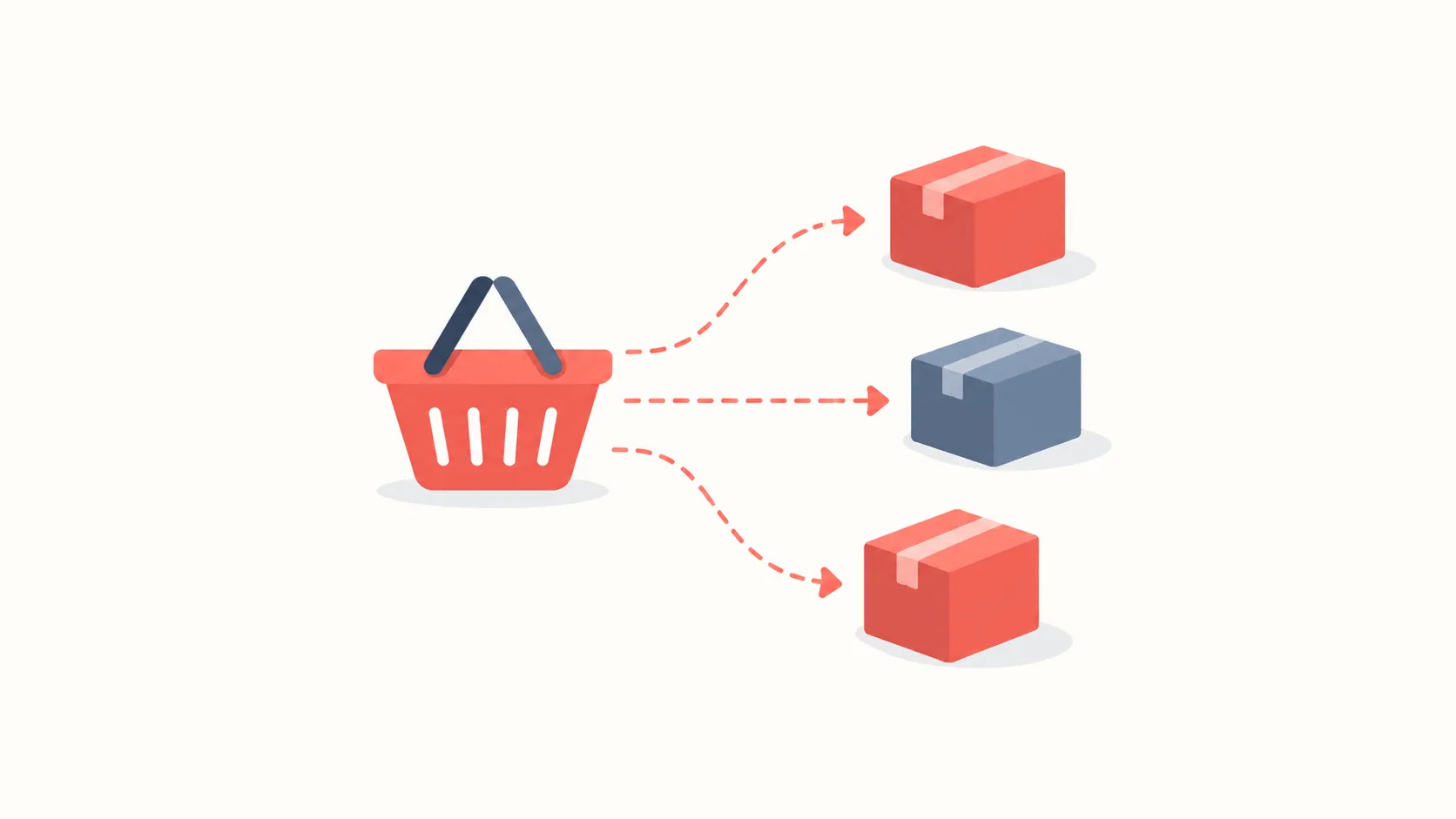
Uzum Market is a marketplace: your goods come from many sellers rather than one shop. That is the single most useful thing to know about its discounts. One basket can hold items from several sellers, and a promocode usually applies to part of it rather than all of it.
There is currently 1 active offer on the Uzum Market page.
How to enter a promocode
- Build the basket and go to checkout. The promocode field is not on the basket page; it appears at the checkout step.
- Choose a delivery method. Pickup points and courier delivery are priced differently, and some offers apply to only one of them.
- Paste the code. Uzum codes often mix hyphens and digits, which makes retyping error-prone.
- Check the total. An accepted code lowers the amount immediately and shows the discount as its own line. No line means the code did not apply.
Conditions specific to a marketplace
Alongside the usual minimum spend and expiry date, Uzum Market adds two more, and these are the ones that cause confusion:
- Seller restriction. Many offers apply to a particular seller's goods. If the basket contains an item from another seller, the code may not apply at all, or may apply only to the matching part.
- Category restriction. Promotions are often tied to one category, such as appliances or cosmetics. Other items in the basket do not count towards the discount.
- Minimum spend. Calculated on the goods; delivery does not count towards it.
- Who it is for. Some codes are first-order only and tied to a phone number.
Why the code did not work
- The basket is under the threshold. The most common cause; one more item usually fixes it.
- An ineligible seller is in the basket. Uzum Market splits baskets by seller. Remove the item that does not qualify and order it separately.
- The item is already discounted. A code rarely stacks on top of a reduced price.
- It has expired. An expired code can sit in an app, or in an old article, long after it stopped working. The verification date under an offer tells you in advance.
About split orders
When a basket holds goods from different sellers, Uzum Market splits the order into several shipments automatically. This affects discounts in two ways. The minimum spend is sometimes measured per shipment rather than across the basket, so even a large basket can fail the threshold. And delivery may be charged for each shipment separately.
So before a large order it is worth reviewing the basket by seller. Moving a single item to your next order sometimes lowers the total you pay, because the rest then fits into one shipment and delivery is charged once.
Pickup point or courier
Uzum Market offers two delivery methods and they affect the discount. A pickup point is usually cheaper or free; a courier is priced by distance and order value. Some offers apply to one method only, so until you have chosen, the promocode field can show the wrong total.
The practical order of operations: pick the delivery method first, then enter the code. Changing delivery after a code is applied forces a recalculation, and the discount sometimes falls off in the process.
How returns work
When you return a discounted order, the refund is based on what you actually paid rather than the item's full price. Buy something at twenty percent off and the refund arrives at the discounted amount.
Returning a single item is more involved: if the basket drops below the offer's minimum as a result, the discount can be cancelled across the whole order. On orders sitting close to a threshold, it is worth reading the return terms before you buy.
Saving without a code
Uzum Market has its own mechanics that need no code: category promotions, time-limited reductions, and payment options inside the Uzum ecosystem. They rarely stack with a promocode, so compare the two and take whichever is larger.
On the Uzum Market page at PromoBozor every offer shows its conditions and the date it was last checked. Reading those before copying a code is the simplest way to avoid losing time at checkout.