
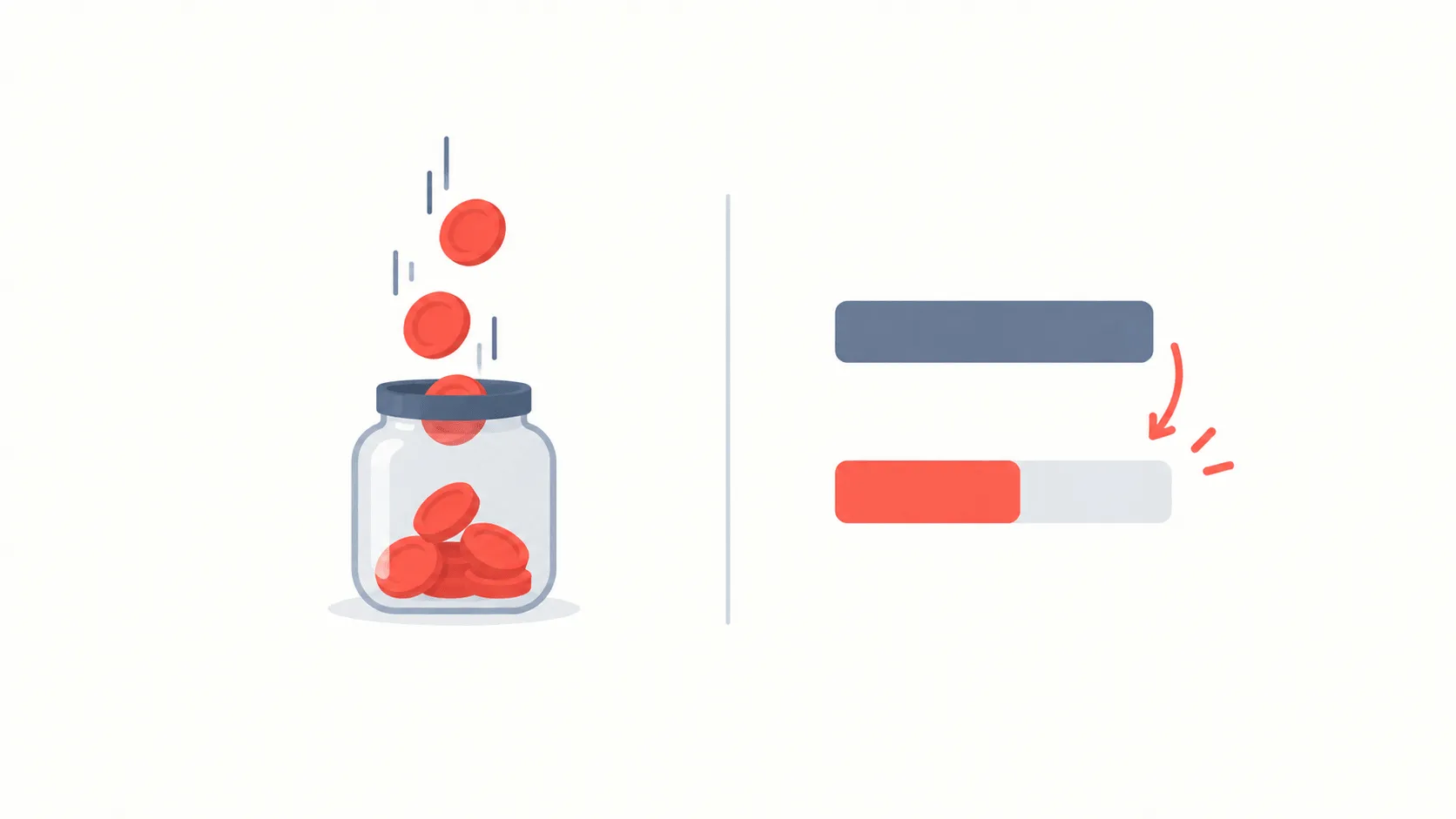
Yandex Market is a marketplace, but its discount system has something others do not: points. A promocode lowers the basket immediately; points are a separate currency you spend on a later purchase. The two are calculated differently and win in different situations.
There is currently 1 active offer on the Yandex Market page.
Points and discounts: the core difference
- A promocode reduces today's total. The benefit is immediate and certain: you simply pay less.
- Points accrue towards a future purchase. The benefit is deferred and conditional: spending them requires buying again.
So on a one-off purchase a promocode almost always wins. Points make sense for regular buyers, who are coming back anyway and will not leave them unspent.
There is another detail: points expire too. Points not spent in time are lost, which means the "save them up" approach usually delivers nothing at all.
How to enter a promocode
- Build the basket fully first. The minimum-spend condition is measured against it, so the code goes in last.
- Choose a delivery method. Pickup points and couriers are priced differently, and some offers apply to only one.
- Open the promocode field at the payment step. It sits next to the total, sometimes in a collapsed block.
- Check the total. The discount should appear as its own line. No line means the code did not apply and confirming is premature.
Conditions to check
- Minimum order value. Calculated on the goods; delivery does not count towards it.
- First order. Many offers are for new customers only, tied to a phone number, and do not work twice.
- Expiry. Codes carry an end date, usually shown under the offer.
- Category limits. Some promotions are tied to one category; other items do not count.
- Already-discounted items. A code rarely stacks on top of a reduced price.
Why the code did not work
- The basket is under the threshold. The most common cause; one item usually settles it, but compare its price with the discount.
- The account has ordered before. The first-order condition is tied to the number, and reinstalling the app does not reset it.
- A discounted item is in the basket. One discount per item.
- It has expired. An expired code cannot be salvaged.
Pickup point or courier
The two delivery methods differ in price and in which offers apply. A pickup point is usually cheaper or free; a courier is priced by distance and order value. Some promocodes are attached to one of them.
The order of operations: method first, code second. Changing delivery after a code is applied forces a recalculation and the discount can fall off.
And one more thing: collecting from a pickup point removes the delivery fee entirely, which on a small order is frequently worth more than any promocode.
How returns work
When you return an item bought at a discount, the refund is based on what you actually paid rather than the full price. Any part paid with points normally comes back as points, not money.
Returning a single item is a case of its own: if the basket then falls below the minimum, the discount can be recalculated across the whole order. On orders sitting near a threshold, that is worth knowing beforehand.
Which to choose
The rule is simple. Buying once: take the promocode, because the benefit is immediate and unconditional. Buying regularly: points count too, because you are coming back anyway.
If both are offered, look at the total each way. Points are usually a percentage and a promocode a fixed amount — so points win on a large basket and the code on a small one.
On the Yandex Market page at PromoBozor every offer shows its conditions and the date it was last checked, so you can tell in advance whether a code fits your basket.